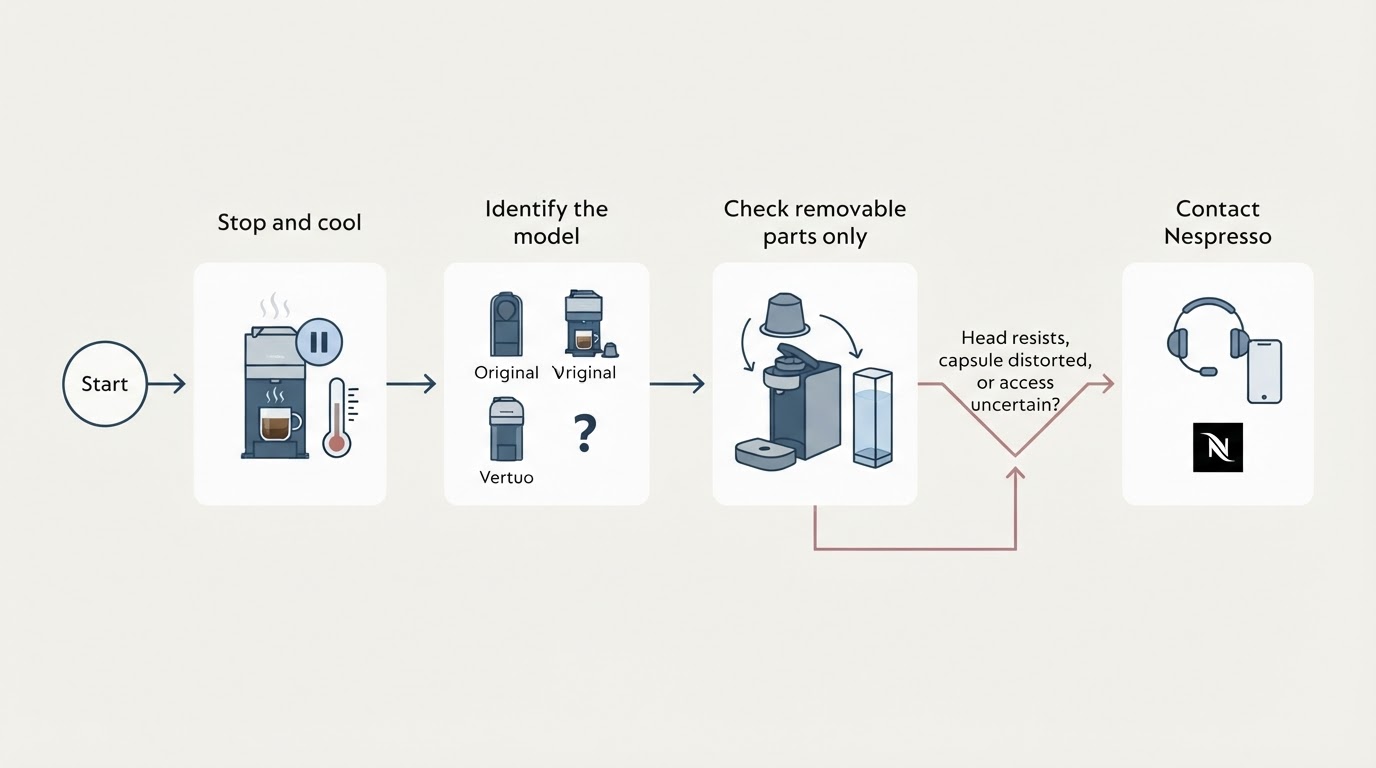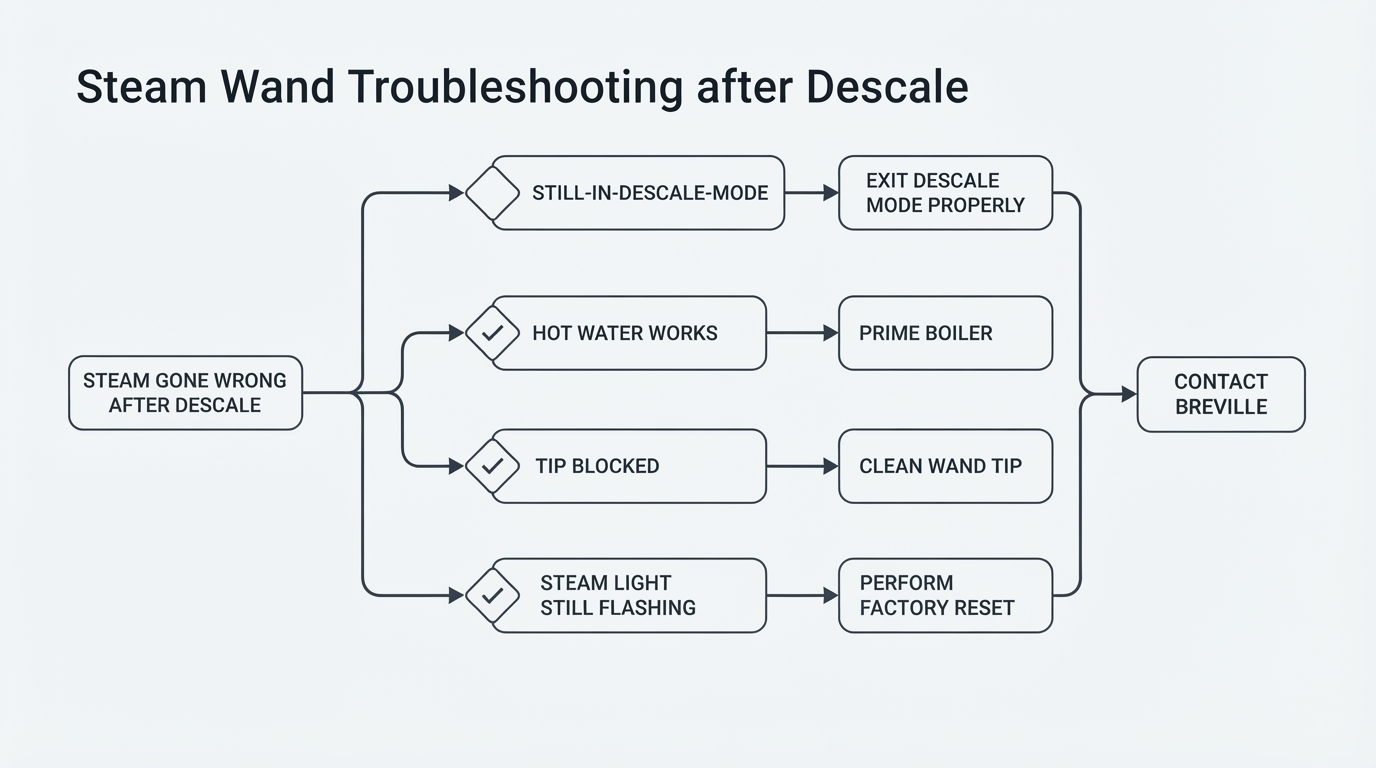
Identify your model, revision and indicator first
The lamp is a maintenance reminder, but which one depends on your machine. The current US/Canada BES870 book labels the lamp CLEAN / DESCALE and gives flashing and solid states different jobs (BES870 US/Canada manual). Older panels may print CLEAN ME, and regional revisions can use different hold times and labels, so check your own instruction book first.
Flashing or solid: the cited BES870 US/Canada manual
This table applies only to the current US/Canada BES870 manual cited here, not to every Breville revision.
Indicator (cited BES870 manual) | What the manual calls for | What to do |
|---|---|---|
CLEAN / DESCALE flashing | Cleaning cycle required | Run the documented back-flush cycle below |
CLEAN / DESCALE solid | Descaling required | Follow the manual's descale procedure, not the cleaning tablet |
Light still on after a correctly completed procedure | Not explained by the lamp alone | Stop repeating the cycle; check for faults and contact Breville support for your exact model |
If your panel says CLEAN ME, or your machine is a Touch, Pro, Bambino or another revision, follow that model's own book instead.
Cleaning is not descaling
Two routines get confused with the cleaning reminder:
- Re-programming the 1 CUP and 2 CUP shot volumes changes shot size only; it does not clear the cleaning reminder. A shot-volume reset is not a cleaning reset.
- The cleaning cycle is not a descale: the tablet and disc back-flush coffee residue, while descaling dissolves mineral scale. If scale is the real task, the separate walkthrough on how to descale an espresso machine covers it step by step.
- The consumables differ too: the cited cycle uses the cleaning disc plus one tablet, while descaling uses Breville descaling powder in water. Vinegar is not the default cleaning tablet for either procedure.
The cited BES870 cleaning cycle, paraphrased
These are the verified back-flush steps in the current US/Canada BES870 manual (BES870 US/Canada manual):
- Fit the 1 CUP basket, add the cleaning disc and one tablet, then lock the portafilter into the group head.
- Put a container under the spouts, empty the drip tray and fill the tank with cold water.
- Switch the machine off, then hold 1 CUP, 2 CUP and POWER together for about ten seconds, as the manual specifies.
- The cycle runs for roughly five minutes with water pulsing from the spouts; two beeps mark the end.
- Remove the portafilter and check the tablet. If it has not fully dissolved, the manual directs another cycle.
That button combination starts the cleaning cycle on this machine as documented. It is not a universal reset or service code, and is not a generic fix for another model.
Safety, next to these steps: stop and unplug if you see leakage, unusual heat, a damaged cord or plug, or no expected water flow. Do not open the housing or override a warning.
If the indicator stays on after a correct cycle
Check these before repeating anything:
- Recheck the lamp state. A solid CLEAN / DESCALE reminder is still a descale request after a successful cleaning cycle; the tablet cycle does not satisfy it.
- Confirm the cycle actually completed: buttons held for the specified time, no power loss, correct setup.
- Check tablet dissolution — a partly intact tablet means the cycle was not completed as the manual describes — and confirm the procedure matches your exact model and revision.
If the tablet has fully dissolved and a correctly completed cycle still leaves an unexplained indicator, do not loop the cleaning cycle again. Switch off and check for leakage, unusual heat, a damaged cord or plug, or an unexpected loss of flow. Low pressure after cleaning is a different fault with its own causes, covered in Breville Barista Express low pressure after cleaning. If a reminder will not clear after the documented procedure, contact Breville Consumer Support for your model — do not open the electrical housing, defeat the warning, or assume the reminder is faulty on the strength of the light alone.
Sources
- Primary source for the steps and table above: Breville Barista Express BES870 instruction book, current US/Canada revision — BES870_USCM_IB_X26_LR.pdf.
- Older revision example only: Breville Barista Express BES870 instruction manual — BES870_Instruction_Manual.pdf. An earlier revision made the same distinction; it is not independent corroboration of the current manual.