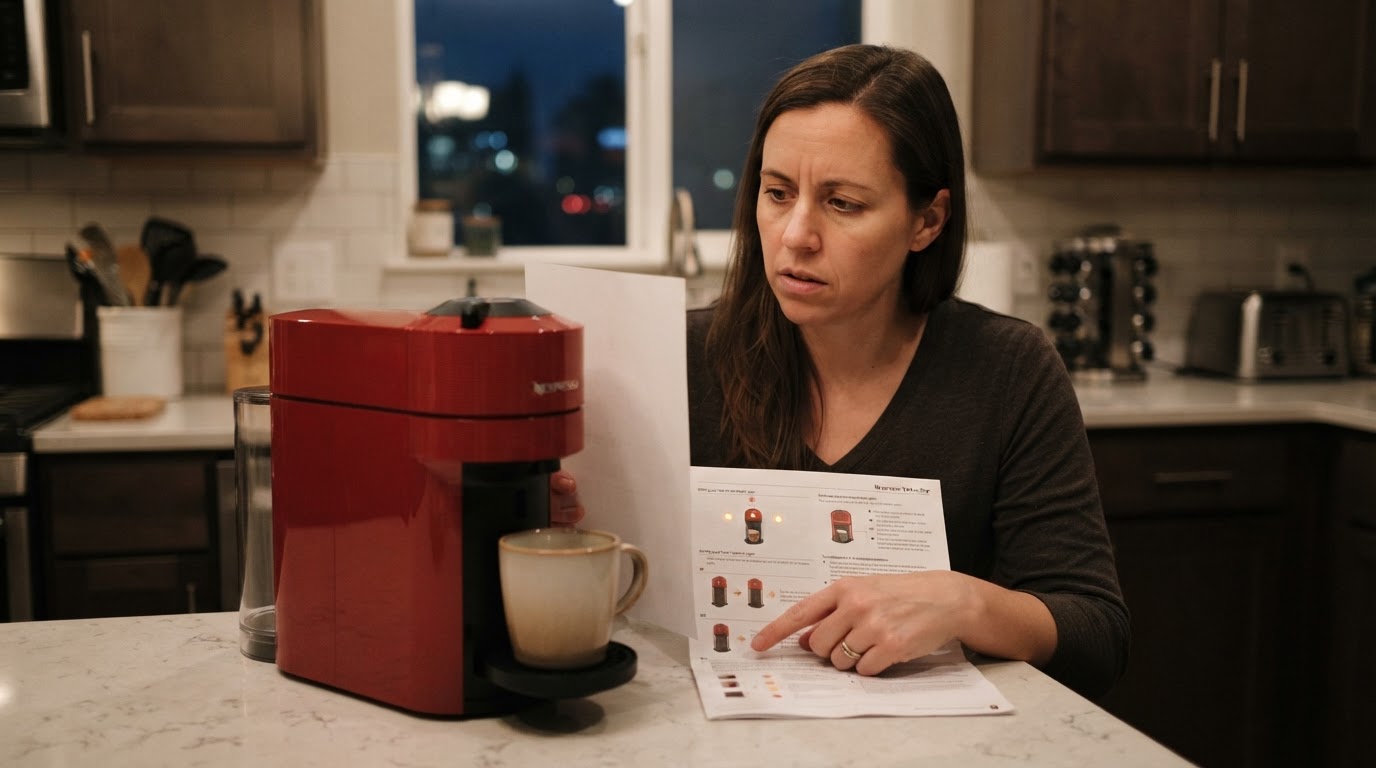
What "No Light" Means on a Vertuo Next
A dark button can mean the machine has turned itself off. The Vertuo Next user manual says it normally turns off after two minutes of non-use (in special cases up to five minutes); holding the button for three seconds also turns it off. That explains a dark button after an idle period, but does not prove the machine is healthy if it will not wake.
That is why a Nespresso machine not turning on should not be treated as a hardware failure before you run the state check. Wake the machine the way Nespresso documents it:
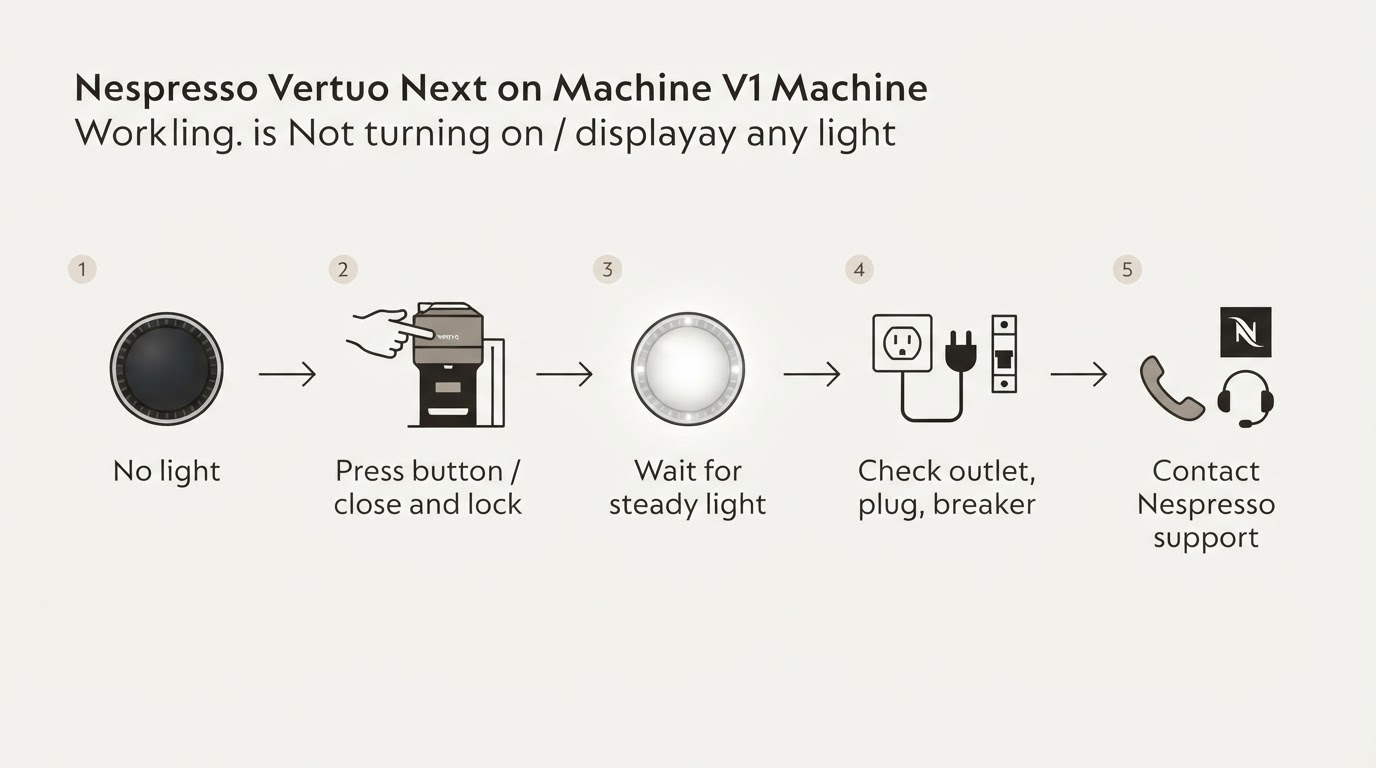
- Press the button once, or unlock the machine as the model manual instructs for a no-light state.
- If the light appears, wait through the heating blink; a steady white light indicates ready mode.
- If the button remains dark, check the power path below rather than repeating an undocumented reset sequence.
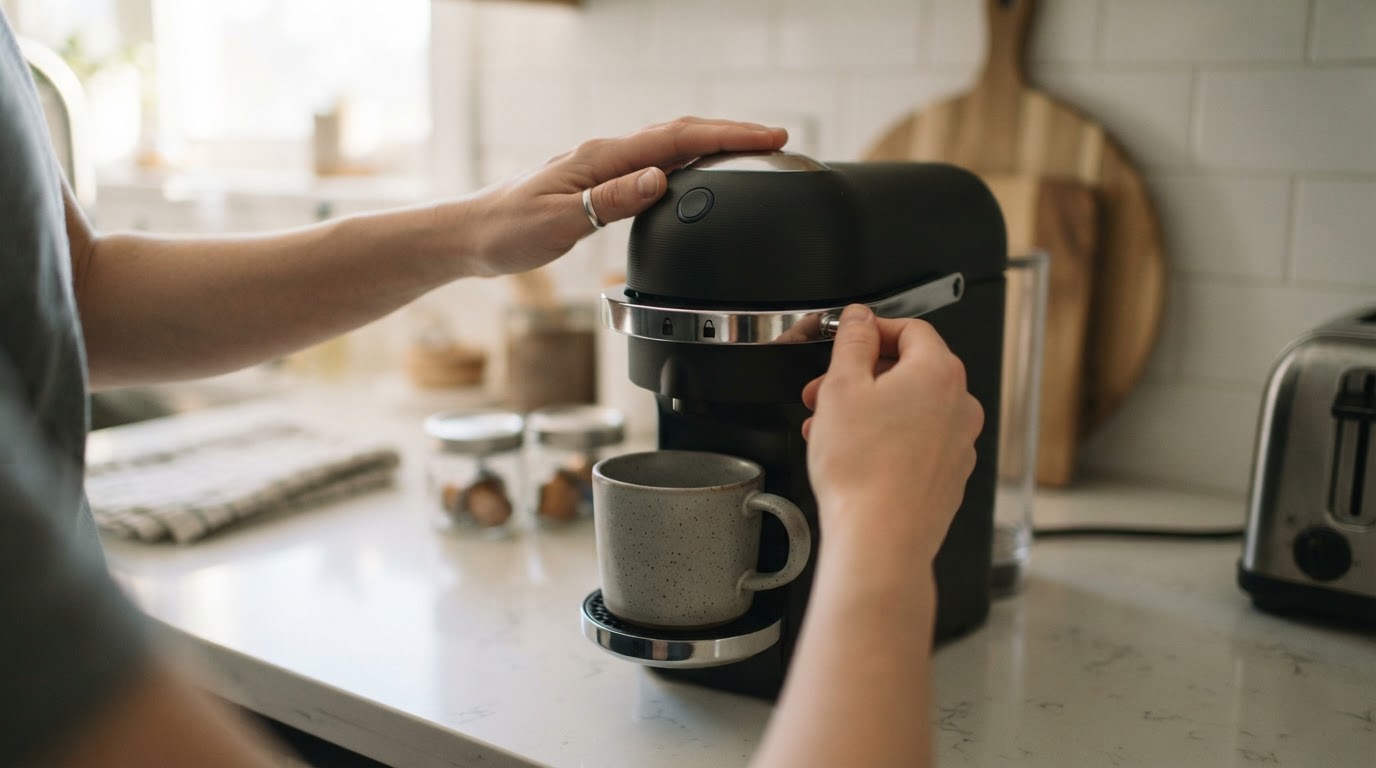
If nothing appears after a correct wake-up, the next question is whether power is reaching the machine at all.
Rule Out the Power Path Without Opening the Machine
The manual's no-light troubleshooting points first to the mains supply, plug, voltage and fuse. These are external checks; do not open the machine or touch internal electrical parts.
Check, in order:
- The outlet. Plug in a lamp or a phone charger to confirm the socket is live.
- The plug. Push it fully home; a half-seated plug is a common cause of a Nespresso not turning on when plugged in.
- The circuit. Check the breaker or fuse for the kitchen circuit; a tripped circuit and a dead machine look identical from the button.
- The model and supply. Confirm this is a Vertuo Next and that the outlet voltage matches its label; do not use an improvised adapter or bypass.
After the manual's button/unlock step and a confirmed live outlet, if a correctly plugged Vertuo Next still shows no light at all, stop there: do not open the housing, bypass a switch, or follow an unverified reset sequence. A machine with no power response is a support case, not a repair project.
No Light Is Not the Same as a Lit Button That Will Not Brew
These are different problems, and mixing them wastes time. No light means the machine is not on. A lit button means the machine is on and reporting a specific state, and the fix depends on which one.
Use this diagnostic matrix:
What you see | What it means | Safe next step |
|---|---|---|
No light at all | The machine may be off, or power may not be reaching it | Press the button once or unlock it as the manual instructs; if it stays dark, check the power path above |
Blinking light | The machine is heating up | Wait for a steady light; the machine is not ready while it blinks |
Steady light | Ready mode | Press the button to brew; if nothing happens, check that the head is locked and a fresh Vertuo capsule is seated |
Orange or another warning pattern | A different machine state; the exact sequence matters | Match the pattern to the Vertuo Next manual instead of applying no-light advice |
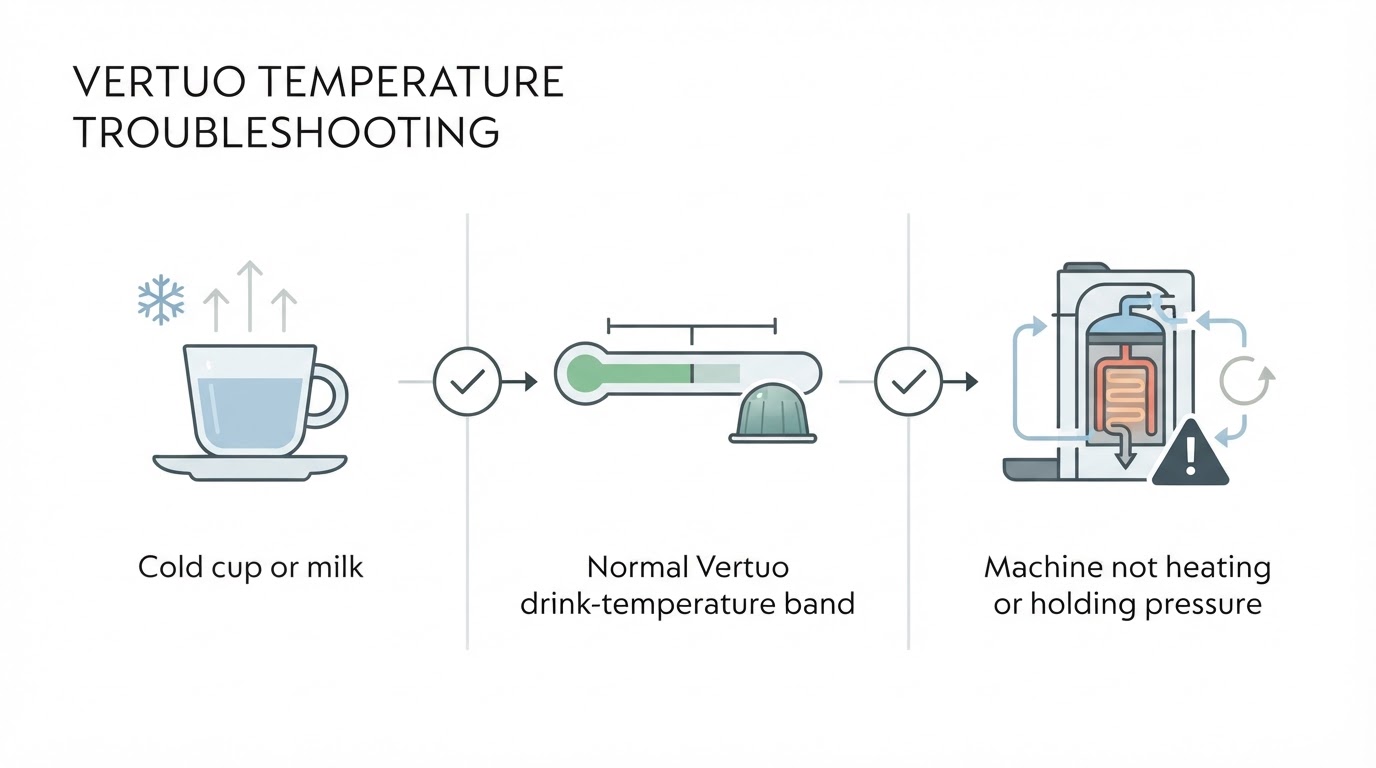
If the light is on but the machine will not brew, the no-light steps do not apply. Check the head lock, the capsule position, and the water level, then follow the official guidance for that light state. No-water-flow and temperature complaints are different faults, and a Vertuo Pop blink pattern belongs to a different machine; do not carry Pop fixes over to a Vertuo Next.
What Not to Try
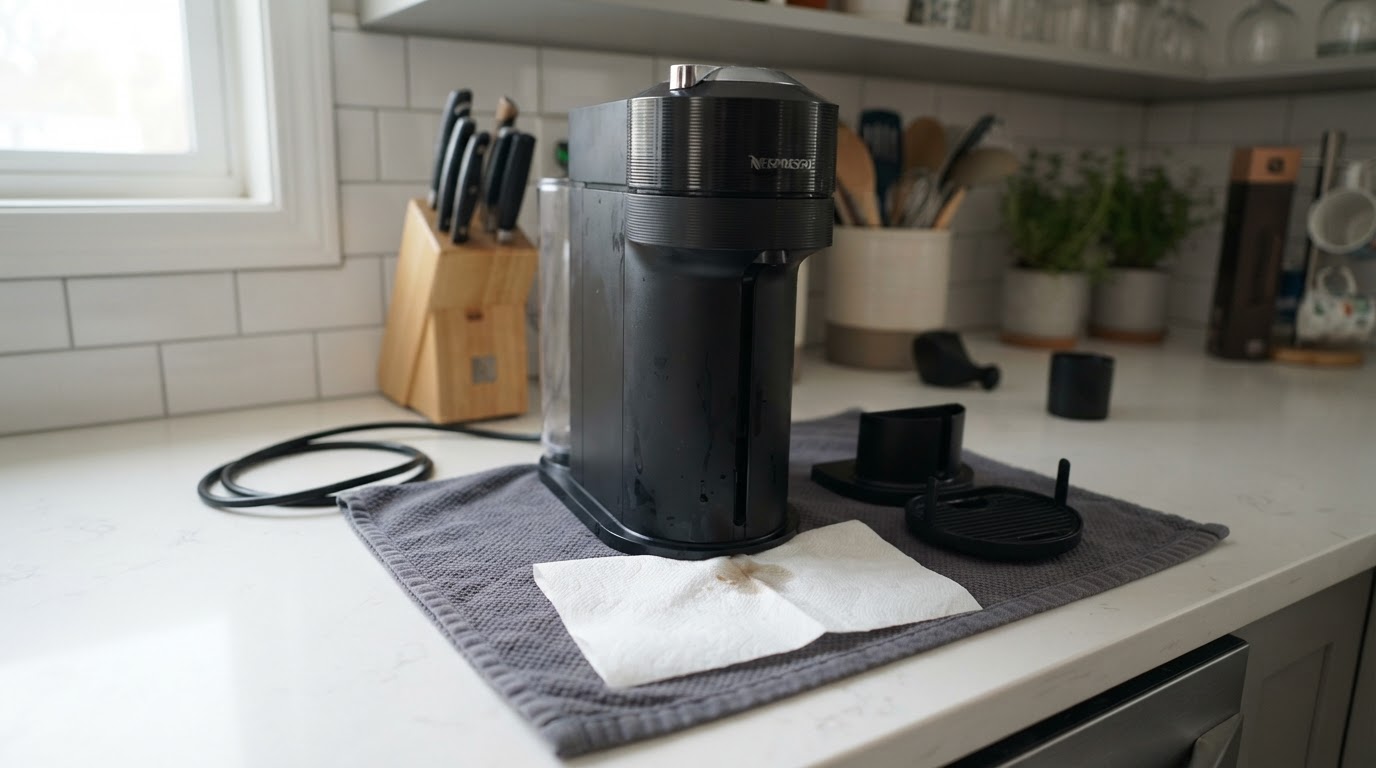
- Do not open the machine, remove the base, or touch internal wiring. Nespresso's safety guidance is explicit about electrical risk; the user-serviceable parts are the water tank, capsule container, drip tray and cup support.
- Do not bypass a switch or "jump" the machine to test it.
- Do not run a factory reset as a first fix. The documented reset changes programmed cup volumes; it does not identify whether power is reaching a dark machine. Follow the manual's no-light checks before considering any reset.
- Do not interrupt an active descaling or emptying cycle to "reset" it.
Three Frequently Asked Questions
Why does my Nespresso Vertuo Next show no light at all?
It may simply have turned itself off after an idle period. The manual says it normally powers down after two minutes of non-use and can also be turned off manually. If the documented wake step produces no light and the outlet is live, do not assume this is normal resting state.
How can I tell whether a Vertuo Next is off or actually dead?
Wake it using the manual's button press or unlock step, then wait for the heating blink. If the light never appears even after you confirm the outlet, plug and breaker, treat it as a power or start-up fault and contact Nespresso support instead of opening the machine.
Can I reset a Vertuo Next that has no light?
A reset is not the first diagnostic step for a dark machine. The manual's no-light path is to press the button or unlock the machine and check the power supply. If it never responds, contact support rather than assuming a factory reset will repair an electrical fault.
The Short Version
A Vertuo Next with no light may simply be off after its automatic power-down. If the manual's button/unlock step and the external power checks do not restore the light, keep it closed and contact Nespresso support. Lit-button symptoms belong to a different diagnostic path; do not copy instructions from our Vertuo Pop blinking-red guide to a Next model.