The short answer
When a Vertuo stops, blinks, or refuses to start another cycle while it is warm, do not assume every light pattern is a heat fault. Stop brewing, check your model's manual, and follow its cool-down procedure if it applies. If the problem returns after a full cool-down, or you notice abnormal heat, a burning smell, smoke, or leakage, unplug it when safe, stop using it and contact Nespresso support. Do not open the case or try to bypass any safety protection.
Vertuo models do not share one universal signal. In the official Vertuo Next user manual, the troubleshooting section tells owners to switch the machine to OFF mode, turn it back on, and wait about 20 minutes to let it cool down after extensive use; the same manual says to call Nespresso if the problem persists (Vertuo Next user manual, troubleshooting). The Vertuo Plus manual describes a different light vocabulary: a green light blinks for roughly 40 seconds while the machine heats, and a simultaneous red-and-green light means descaling is due (Vertuo Plus user manual, descaling). If you found this page while searching for a "Nespresso machine too hot error", that difference matters: read your own model's signals instead of assuming they match this guide.
Safe cool-down and restart sequence
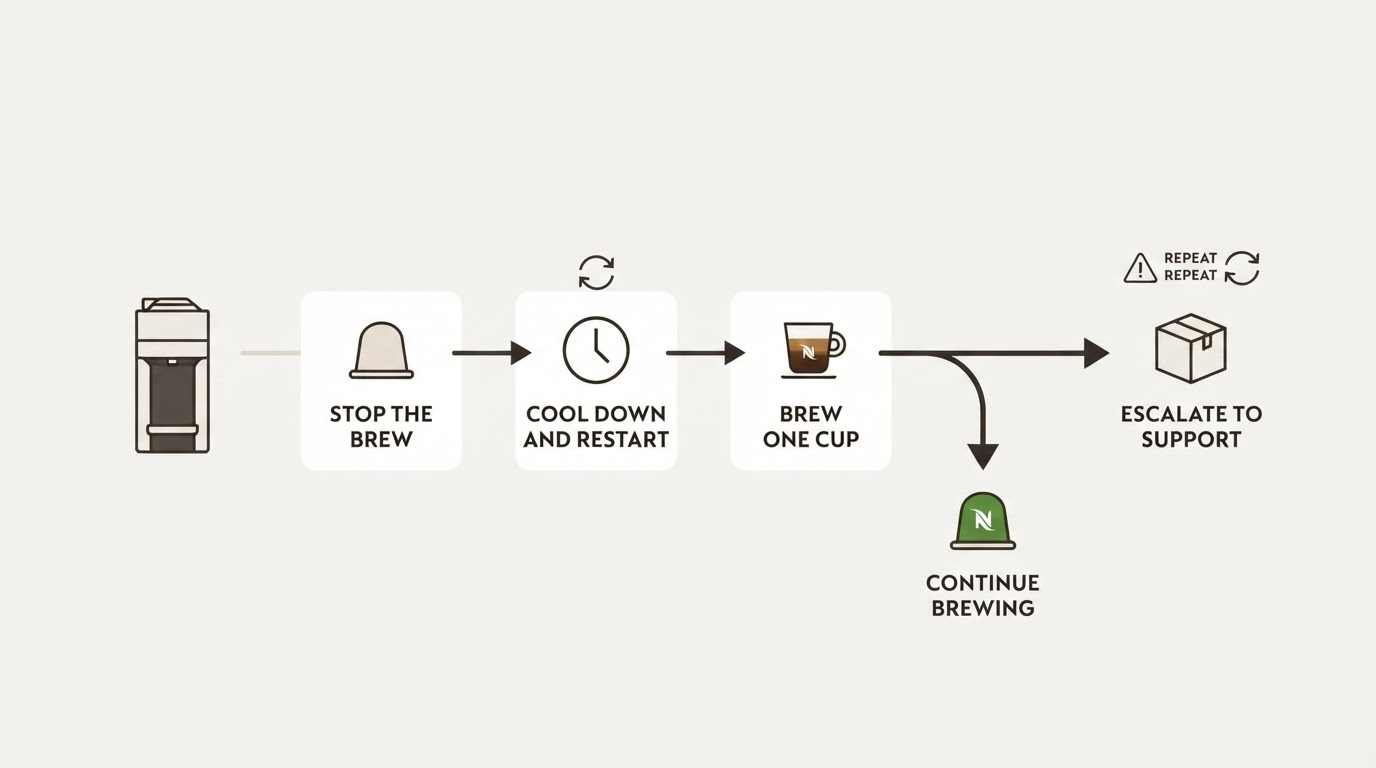
- Stop the brew. If coffee is still flowing, let the cycle finish on its own if it can. The Vertuo Next manual warns against opening the machine head while coffee is brewing, so wait for the button to return to steady before you touch the lever.
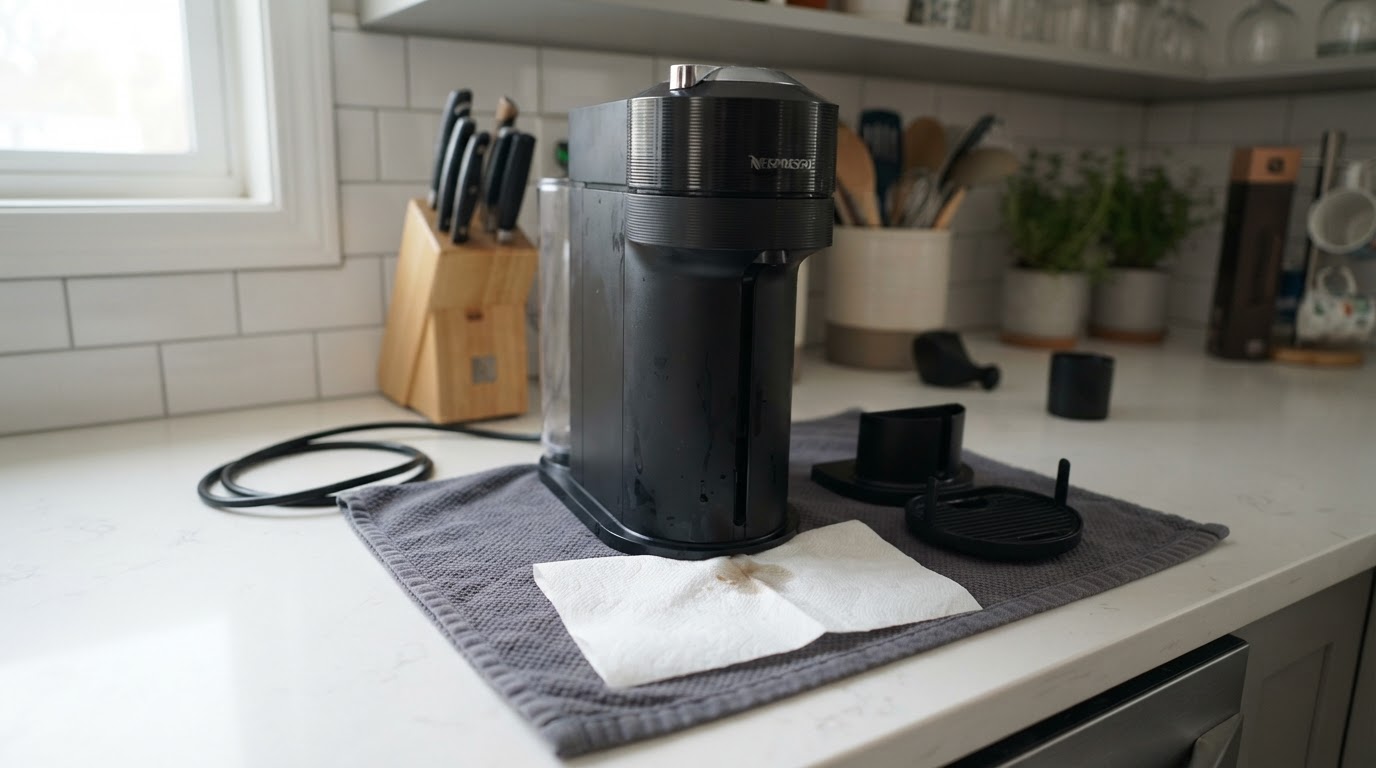
- Turn the machine off. On a Vertuo Next, press and hold the button for three seconds. Leave the machine upright on its hard, level surface, with nothing pressed against its vents.
- Turn it back on and wait. The Next manual's cool-down instruction is to switch to OFF mode, turn the machine on again, and wait roughly 20 minutes so it can cool after extensive use.
- Watch the warm-up. A blinking light during heating is normal — about 30 seconds on a Vertuo Next and roughly 40 seconds on a Vertuo Plus. A steady ready light means the brew cycle can start.
- Brew one cup and check. Run a single capsule on its own. If it completes cleanly, you are back to normal. If the heat stop returns immediately, stop and use the escalation row below.
- Give the machine a break after extensive use. The Vertuo Next manual describes a cool-down after extensive use; do not keep restarting a machine that repeatedly stops.
Decision table: cool down, reset, or call support
What you see | What it usually means | What to do |
|---|---|---|
Light blinks, machine stops mid-session, machine is warm | Could be a cool-down or another model-specific status | Check the exact model's signal; for a Vertuo Next after extensive use, follow its roughly 20-minute cool-down procedure |
Blinking for the first 30–40 seconds after switching on | Normal heating phase | Wait for a steady ready light |
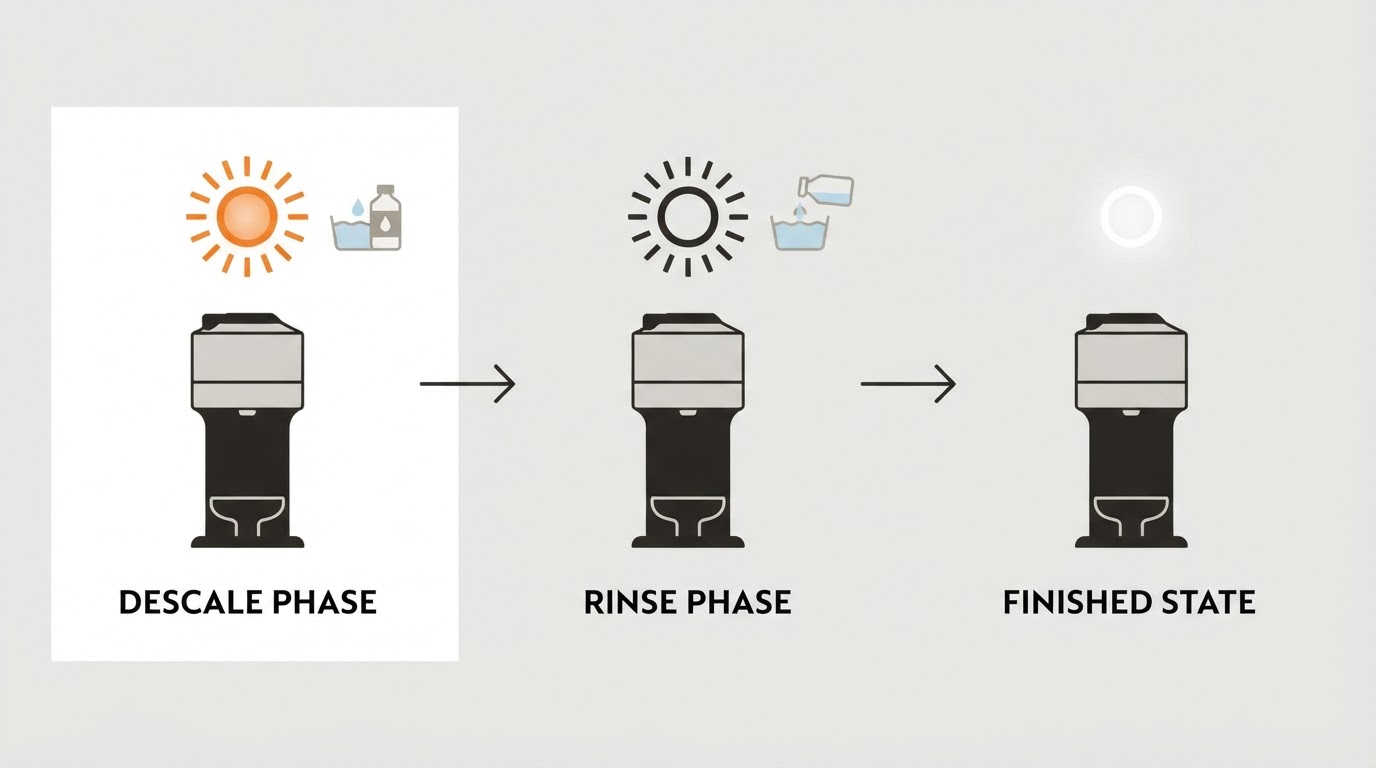
Three blinks then steady (Vertuo Next) | Descaling is due, not an overheating fault | Run the descaling procedure for your model |
Red and green together (Vertuo Plus) | Descaling is due on that model | Descale; do not treat it as a heat error |
Heat stop returns after a full cool-down | Repeated thermal fault | Stop brewing and contact Nespresso support |
Abnormal heat, burning smell, smoke, or leakage | Safety issue | Unplug the machine, stop using it, contact service |
When to contact Nespresso Vertuo customer service
The manuals put the escalation line in plain language: if the problem persists, call Nespresso. Contact support when a heat stop repeats after a proper cool-down, when the machine stays unusually hot, or when you notice a burning smell, smoke, or leakage. Have your exact model name, the light pattern you saw, and roughly when it started, so the agent can match your machine to the right procedure.
If the indicator is orange after a maintenance cycle, see our separate guide to a Nespresso machine blinking orange after descaling; that symptom should not be treated as proof of overheating.
Do not open the case, remove panels, or try to bypass the thermal protection — a machine that keeps getting hot needs service, not a workaround. Nespresso Vertuo customer service can confirm the model-specific steps or arrange a repair, and the machine-assistance page for your exact model is the authoritative reference. Vertuo Up, for example, has its own model-specific guidance, so do not apply Vertuo Next or Vertuo Plus instructions to it without checking.
Temperature adjustment is a different problem
If your coffee tastes cooler than you want, that is not overheating. The Vertuo Next manual's answer to "coffee is not hot enough" is to preheat the cup with hot water and descale if needed — not to push the machine harder. Searching for a Nespresso Vertuo temperature adjustment will not clear a heat stop, and running extra hot cycles on a machine that is already telling you to wait is the wrong direction.
Three FAQs
How long should a Vertuo cool down? The Vertuo Next manual says about 20 minutes after extensive use. Other models may state a different interval, so check your own manual or machine-assistance page.
Can I keep brewing when a descaling light appears? A descaling alert is maintenance, not a heat fault. On a Vertuo Next it appears as three blinks then a steady light; on a Vertuo Plus it is a red-and-green light. Descale on your model's schedule so the alert does not overlap with real troubleshooting.
Should I open the machine to help it cool faster? No. Keep the machine closed, let it cool, and restart it as described above. If it happens again, contact support rather than opening the case or overriding the protection.
Limitations
This guide follows manufacturer documentation for the Vertuo Next and Vertuo Plus and does not claim hands-on testing. Light patterns, cool-down timing, and reset steps vary by model, and a firmware or regional revision can change them. When in doubt, the manual and machine-assistance page for your exact machine override any general advice here.