What "stuck in descaling mode" actually means on a Vertuo Next
Vertuo Next descaling is a two-phase routine: a descaling phase that pushes Nespresso descaling solution through the machine, then a rinse phase that flushes the system with fresh water. A blinking light alone cannot prove which phase you are in. The official Vertuo Next descaling guide shows the sequence, including the pause between phases when you empty the container and refill the tank.
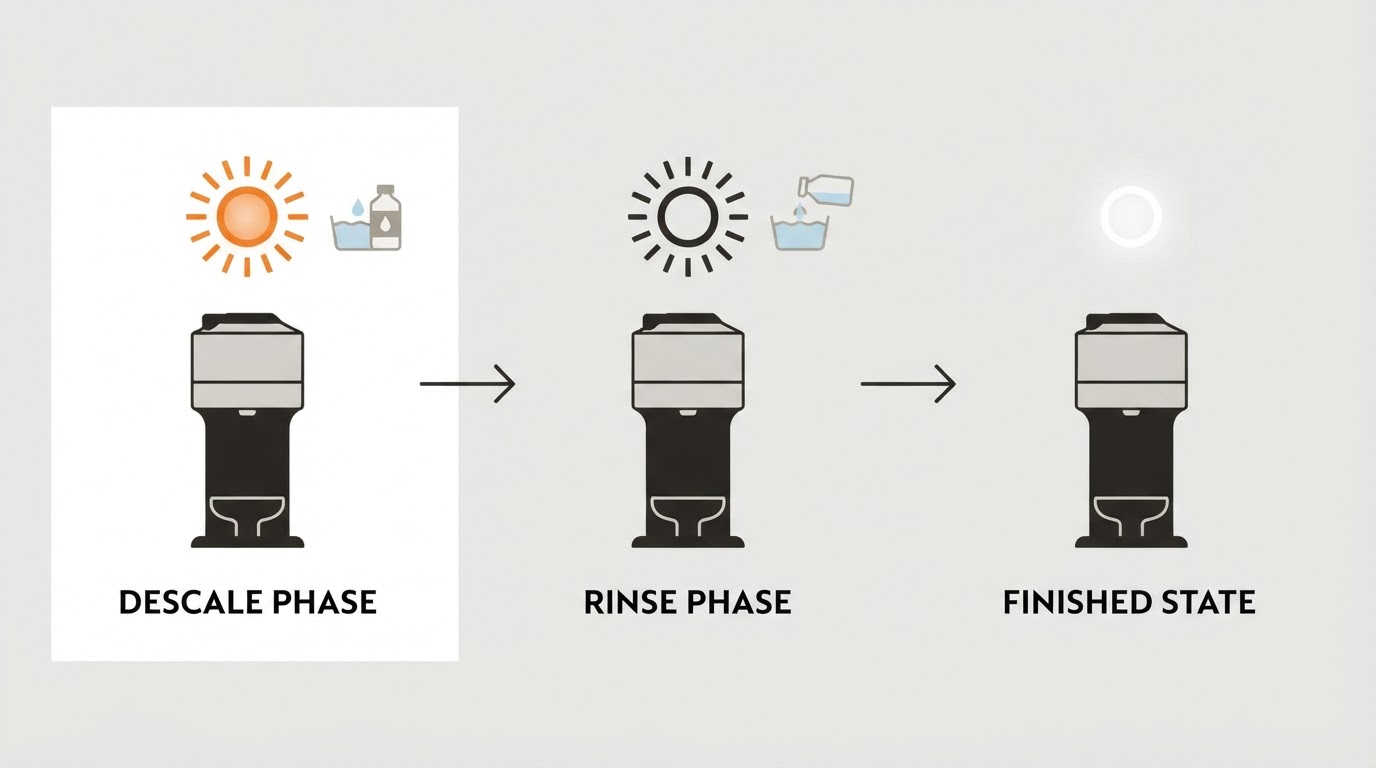
Before either phase, the Next shows the descaling alert: the button blinks orange three times, then settles to a steady white. That alert is not the cycle and not the descaling mode itself. It means descaling is due, and the manual's troubleshooting pages say the machine can brew only a few more cups before the procedure becomes necessary.
Descale phase, rinse phase, or just waiting?
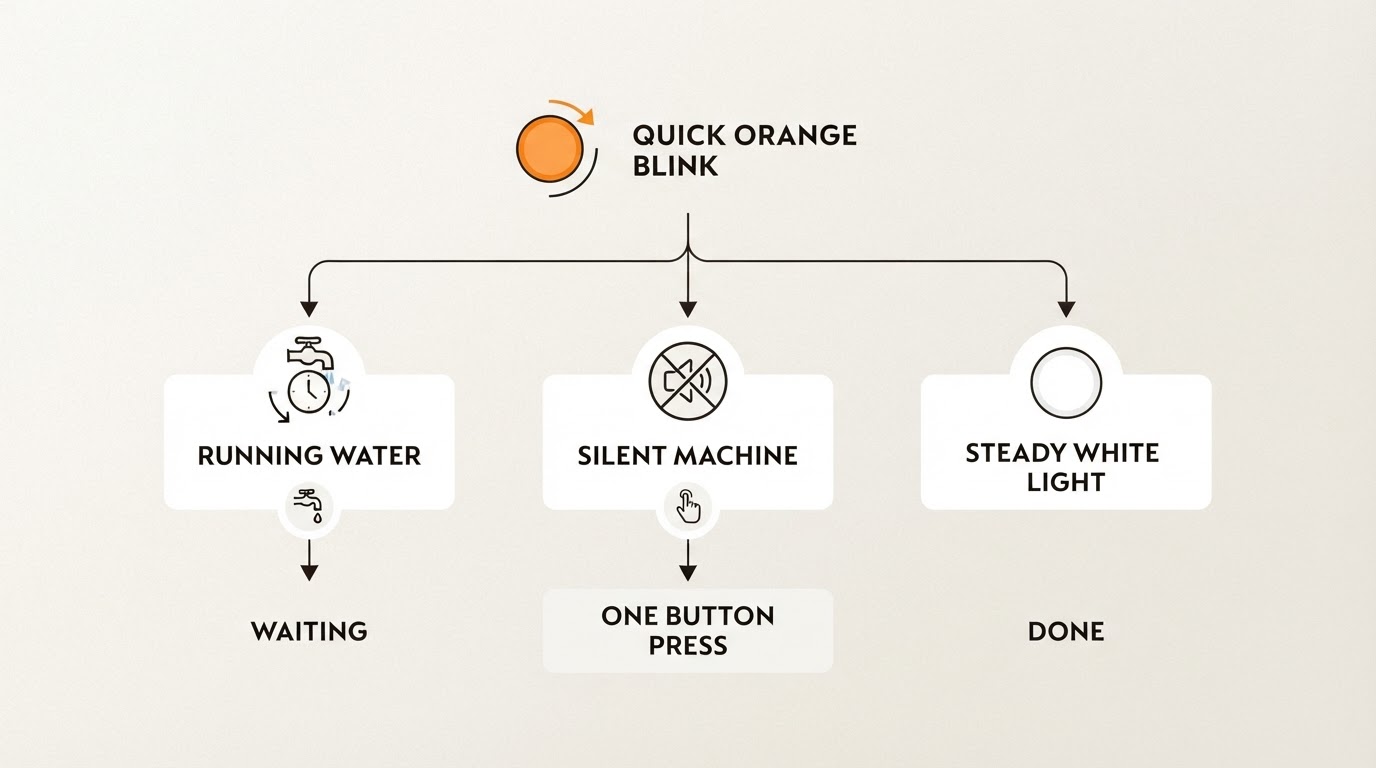
Read the light and the noise together. A blinking button alone does not tell you whether the machine is working or parked on a step that needs input.
What the button does | What the machine is doing | What to do |
|---|---|---|
Quick orange blink (about three times a second), pump audible, liquid flowing | Descaling or emptying is running normally | Let it finish. The first phase stops on its own; the manual gives about 20 minutes for the descaling procedure. Do not unplug or interrupt it. |
Quick orange blink, machine silent, nothing flowing | Could be waiting for the initial descale press, waiting for rinse preparation, or a different fault | Confirm where you are in the official sequence; press once only at the documented start-of-descale or start-of-rinse step. If uncertain, contact Nespresso. |
Orange and white alternating three times, then steady white | Descaling alert | The machine can still brew a few cups; run the full cycle soon. |
Steady white | Ready mode | The cycle is over and the machine has left descaling mode. |
Orange blink about twice a second | Cleaning mode, which is a different routine from descaling | Stop if you did not intend to clean, then follow the cleaning section of the manual. |
Two quick orange blinks, then a long off | Machine error | Check that the lever is locked and no capsule is inside. If it repeats, stop and contact Nespresso support. |
Orange on about 1.5 seconds, off 0.5 seconds | Water tank empty | Refill the tank, reseat it and press the button to resume. |
Those patterns come from the blinking summary and troubleshooting pages of the Vertuo Next user manual (pp. 29-30). Check the booklet supplied with your exact machine if its indicators differ.
Finish the cycle and exit: descale phase, then rinse phase
Before you start
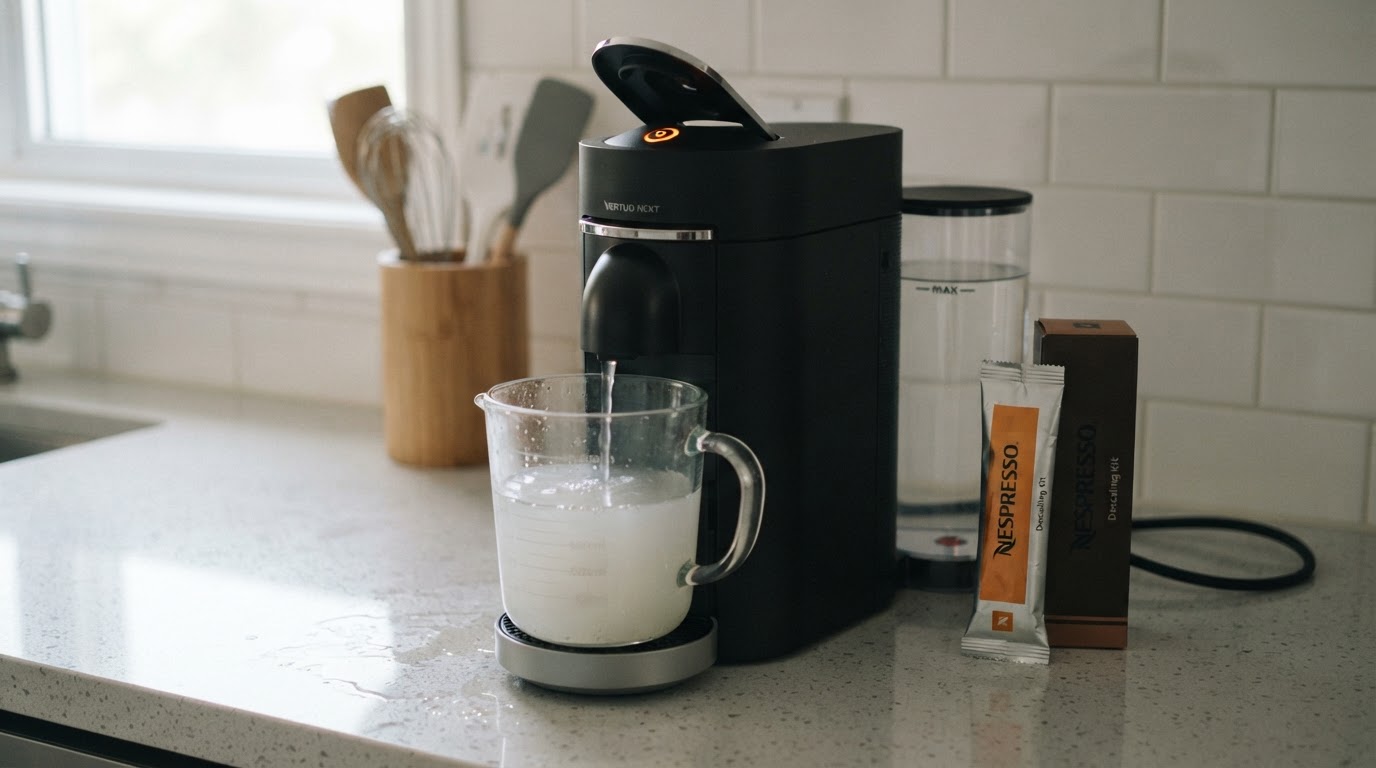
- Use a Nespresso descaling kit. The US descaling guide warns that other solutions, including vinegar and store-bought descalers, may damage the machine.
- Fill the water tank with one unit of Nespresso descaling liquid plus 0.5 L / 17 fl oz of water.
- Empty the capsule container and the drip tray, put them back, and check that no capsule is inside the machine.
- Put a container of at least 1 L / 34 fl oz under the coffee outlet.
How to enter descaling mode
- Close the machine and leave the lever unlocked. Hold the button for at least 7 seconds, until the light turns off and then blinks orange rapidly.
- Within 45 seconds, turn the lever left to lock and back right to unlock, then hold the button again for about 7 seconds, until the light turns off and blinks rapidly again. The descaling guide says those two steps must be completed inside that 45-second window, or you start over.
- Lock the lever. The light should still be blinking orange quickly; according to the manual, that is the sign you have entered descaling mode.
Complete the descale phase
Press the button once to begin. The machine pushes the solution through and stops on its own when the first phase ends. The manual and descaling guide give approximately 20 minutes for the overall descaling procedure, not a guaranteed duration for this first phase alone. The manual warns that the active procedure cannot be interrupted or exited by unplugging.
Rinse, then exit
- Empty the container and put it back under the outlet. Rinse the water tank and drip tray thoroughly, then fill the tank with fresh drinking water only.
- Press the button once to start the rinse. The machine stops automatically when the rinse finishes.
- Watch the light. When it stops blinking rapidly and becomes steady, the descaling procedure is complete and the machine has left descaling mode.
- Wash the capsule container, cup support and drip tray, dry the machine, and let it rest for 10 minutes before brewing.
Limits: what you cannot speed up, and when to stop
- Descaling cannot be interrupted or exited while it is running. If the machine loses power mid-procedure, the manual says it enters descaling mode again the next time you switch it on, and both the descaling and rinse cycles must be repeated.
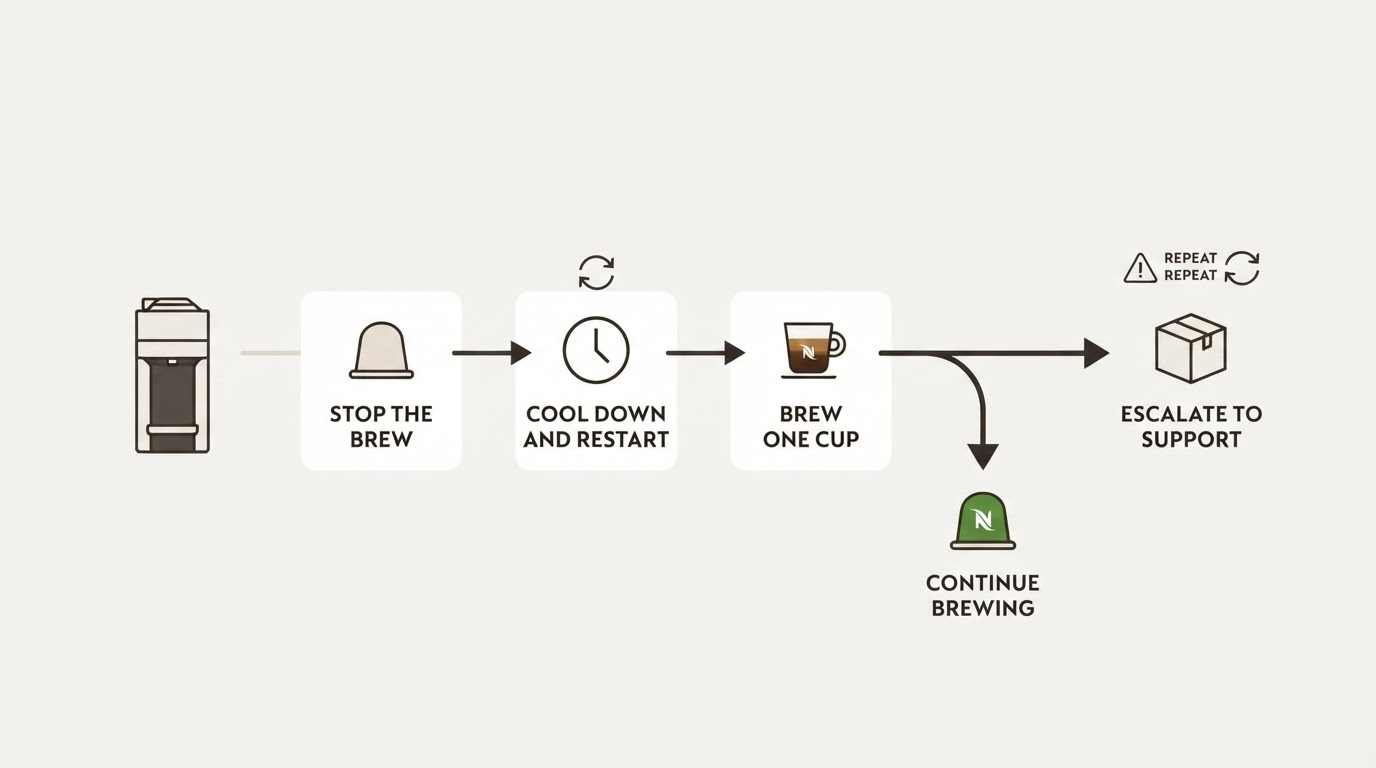
- If the light is blinking while the machine sits idle and you did not intend to descale, the user manual's troubleshooting section distinguishes several causes. It describes a seven-second hold to exit an unintended descaling mode, but also describes a power-off/on and cooling check after extensive use. Identify the situation before applying either step; if uncertain, contact Nespresso.
- The manual does not describe a separate way to reset the descaling light. It clears when the two-phase cycle completes.
- If the pattern does not match the table, or the machine keeps blinking after a rinse that should have finished, do not invent a button sequence and do not open the machine. Contact Nespresso support and describe the exact light pattern and where the cycle stopped.
FAQs
How long should the Vertuo Next descaling cycle take?
The manual gives about 20 minutes for the overall descaling procedure; the first phase and rinse each stop automatically. The completion signal is a steady white button. A silent, blinking machine needs the exact stage checked before you press anything.
Can I cancel descaling mode if I started it by accident?
Not while the solution is running: the manual states that the descaling procedure cannot be interrupted or exited. Unplugging mid-cycle does not cancel it; on restart, the manual says to repeat both descale and rinse. If the machine is idle and you did not intend to start descaling, consult the troubleshooting section for the actual light pattern. Its seven-second exit instruction applies to an unintended descaling state; a separate cooling instruction addresses extensive use. If the state is unclear, call Nespresso support.
The rinse finished, but the light is still blinking. What now?
Check the basics first: the tank has fresh water, the lever is locked, and no capsule is inside. If the light keeps blinking orange after a rinse that should have finished, or if it shows the two-blinks-then-off error pattern, stop. Do not repeat a guessed sequence, do not run a second descaling cycle hoping to clear it, and never open the machine. Contact Nespresso support and tell them the exact pattern and where the cycle stopped.
If the orange indicator appears after descaling rather than during the cycle, see our separate orange-light-after-descaling guide.