The colour on a Vertuo Pop is amber, not a red error code
If you searched for a Nespresso Vertuo Pop blinking red light, compare what you see with the official Vertuo Pop user manual (Cluster 3). That edition describes steady or blinking white and orange signals; it does not list a separate red code. Other Vertuo models and manual editions may differ, so identify your exact machine before following the table.
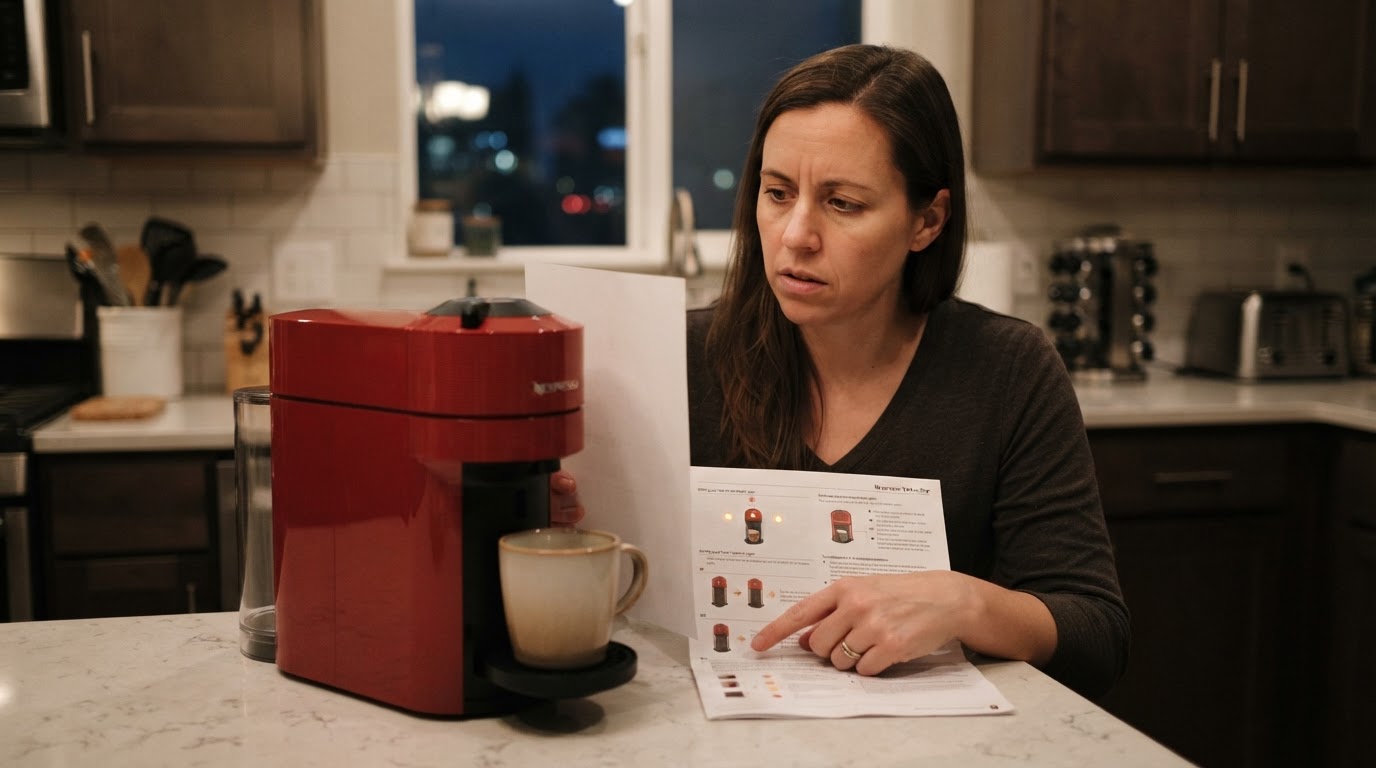
That matters because "red" tells you nothing you can act on, while the pattern does. Warm kitchen lighting, a tinted button and a phone photo can all push amber towards red. Hold a sheet of white paper next to the button, count the blinks, and match what you see against the documented patterns below before you press anything.
Confirm the machine and the manual first
The patterns here come from Nespresso's own Vertuo Pop documentation: the Vertuo Pop user manual and the Vertuo Pop descaling guide, a Nespresso USA training document. Check the model name on your machine and keep the manual that matches it within reach. If you own a Vertuo Pop+, your own manual's blinking section stays the final word.
Do not borrow light codes from other Nespresso lines. A pattern you read about for a Vertuo Plus, for example after descaling, is not a code your Pop has to share. Nespresso publishes model-specific manuals and light summaries, which is exactly why it is worth reading the Pop's own document instead of a generic "red light" list online.
The documented Vertuo Pop light patterns
What you see | What Nespresso's Pop documentation says | What to do |
|---|---|---|
Steady white | Ready | Brew normally |
Blinking, then steady, after switch-on | Heating up; about 30 seconds | Wait for steady white |
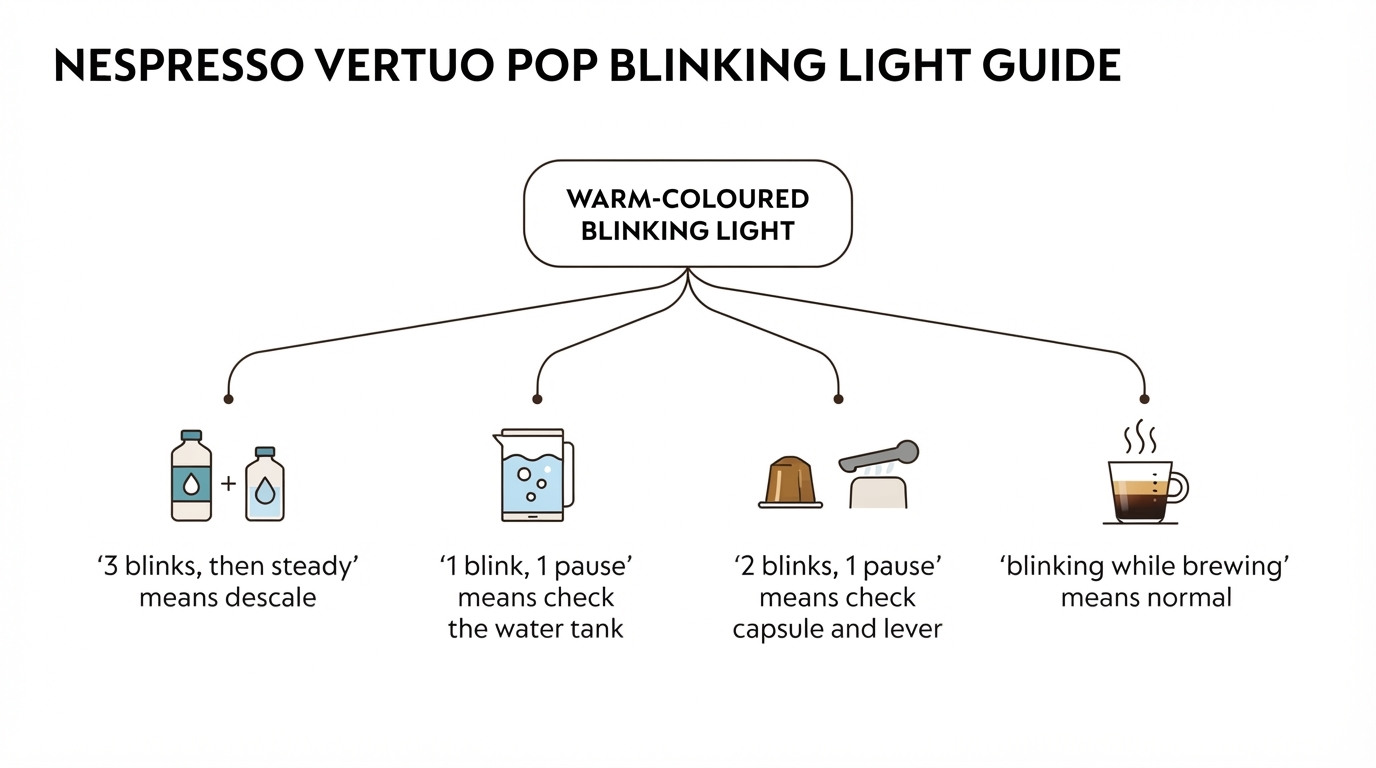
Blinking while coffee is flowing | Working normally | Nothing |
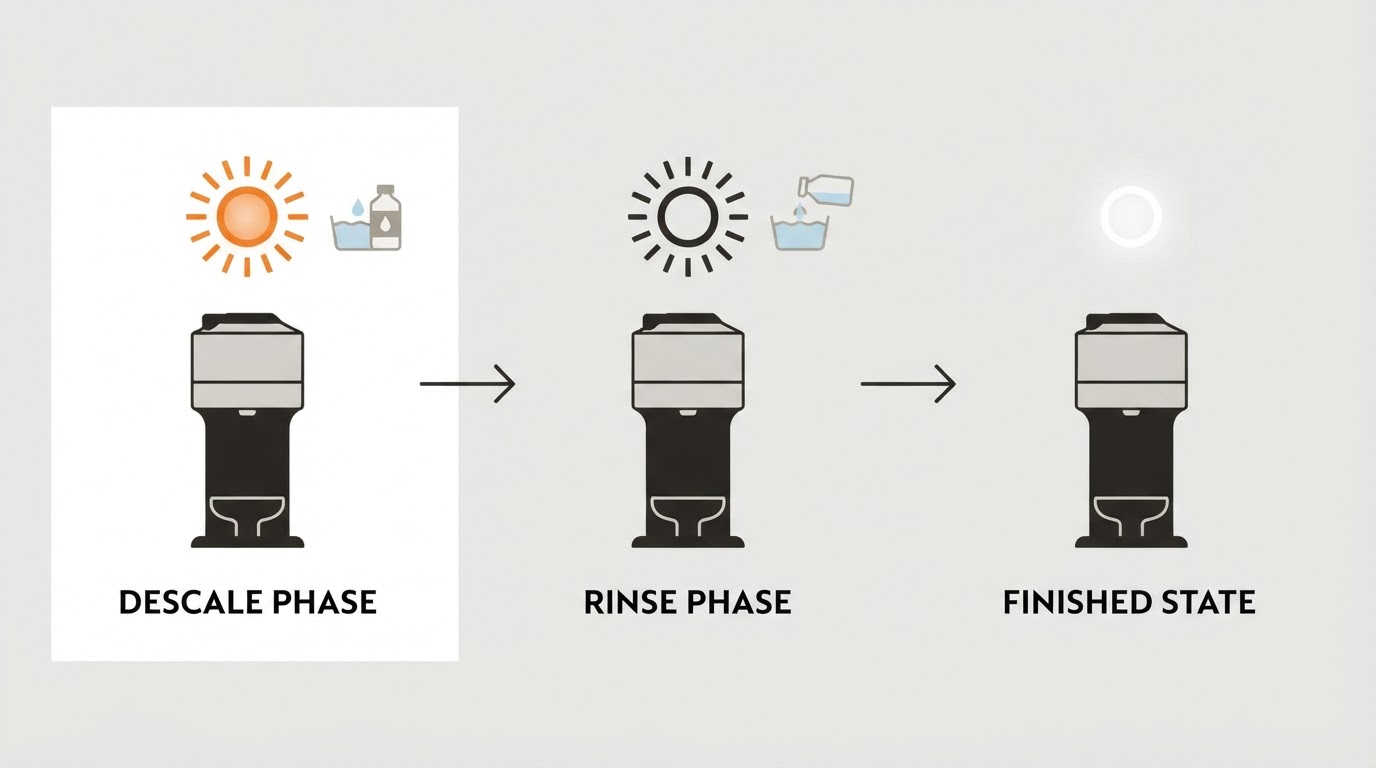
Orange blinking 3 times, then steady white | Descaling needed; only a few brews remain after the alert | Run the Pop descaling procedure soon |
Rapid orange blinking after holding the button about 7 seconds | You are entering descaling mode | Complete the manual's next steps within 45 seconds |
Orange blinking continuously while only water flows | A cleaning, descaling or emptying cycle you started is running | Let it finish; the machine stops automatically |
1 blink, then 1 pause | The manual's first checks are the water tank and the locked lever | Fill the tank, lock the lever, press the button |
2 blinks, then 1 pause, repeating, machine not running | A state the manual lists, with different checks per activity | Work through the checklist below |
Orange blink after you disable connectivity | Confirmation that the module is off | Nothing |
No light | The machine powered off after 2 minutes without use | Press the button to wake it |
The pattern checklist
If the light keeps blinking and the machine is not running, the manual gives different checks depending on what you were doing.
Brewing coffee: unlock the lever and open the head, check that the capsule is fresh and undamaged, seat it correctly, lock the lever, and make sure the water tank is filled.
During descaling, emptying or cleaning: check that no capsule is inside and that the lever is locked.
During volume programming: check that a capsule is correctly inserted.
If the problem persists: replace the capsule if needed, unplug the machine for 10 seconds, plug it back in, close the head, press the button to switch on, then press again to start. If the light still misbehaves, Nespresso's own next step is a call to support.
If the machine has been working hard: switch it off with a 3-second press, switch it on again, and leave it for about 20 minutes to cool down. A cooling state after extensive use is documented behaviour, not a repair signal.
The completion check
You are finished when the machine starts and the light settles back to steady white. If the same pattern returns after the full checklist and the 10-second unplug, the manual's next step is contact with Nespresso support, not another workaround. That is the honest boundary of what a light pattern can tell you, and guessing beyond it risks a real fault.
If the pattern points to descaling
Use the Vertuo Pop descaling guide that matches your machine and follow its order exactly. This page is a light-pattern diagnosis, not a substitute for the manufacturer’s procedure. If the machine is stuck in a cycle, the separate descaling-light guide explains that different symptom; do not copy Vertuo Next or Plus button sequences onto a Pop.
FAQ
Does my Vertuo Pop have a red light at all? The Pop manual documents white and orange signals only. If the glow reads red to you, match it against the orange patterns above; colour alone does not identify a fault.
Why does my Nespresso Vertuo red light blink twice? The manual documents a repeating two-blinks-and-a-pause pattern while the machine is not running. Check the capsule, the locked lever and the water tank first, then try the 10-second unplug. The Pop manual does not define a separate "two red blinks" fault.
Will a factory reset clear it? The Pop manual's reset is pressing the button five times within 3 seconds, with the head opened and closed and the lever unlocked. It restores factory settings, including your programmed volumes, so treat it as a settings reset rather than a fault repair. Work through the checklist first, and call Nespresso if the pattern persists.
What not to do
Do not open the machine or attempt an electrical repair; the manual's troubleshooting never asks you to. Do not invent button combinations or copy light codes from other Nespresso models. And do not run a descaling cycle just because a light blinked, unless you matched the three-blink alert or your machine is due for maintenance.
Where the linked Pop manual does not define a pattern, use Nespresso's model-specific assistance instead of guessing from the color alone.